




Description
Watch Live TV on Your PC with Zattoo
Overview
Zattoo Live TV for Windows 10 is a desktop application designed to enable users to stream live television directly from their computer. The software falls under the Video Software category, specifically within the subcategory of TV Tuners & Video Capture. It allows users to access a wide range of live TV channels through an internet connection, making it a convenient tool for viewers who prefer watching television on their PC rather than a traditional TV set.
Targeted primarily at consumers and casual viewers, the program offers a straightforward solution for accessing broadcast and online television content without the need for physical hardware like a cable box or antenna. Its use cases include watching news, sports, entertainment, and international programming from various regions, including Germany, Pakistan, and India—countries where the software has seen notable download activity.
Developed by Zattoo, the software has been available since 2013 and has accumulated 14,442 downloads in its history. While the developer did not provide additional details about the company’s background or current product roadmap, the software’s longevity suggests a stable and functional core experience. The application is compatible with Windows 8 and earlier operating systems, and supports multiple languages such as English, Spanish, and German.
Key Features & Capabilities
- Live TV Streaming – Enables real-time access to hundreds of live television channels across various genres, including news, sports, entertainment, and international broadcasts.
- Multi-Language Support – Available in English, Spanish, and German, making it accessible to a broad international audience.
- Internet-Based Viewing – Requires only a stable internet connection to stream content, eliminating the need for traditional TV reception hardware.
- Desktop Integration – Functions as a standalone application that integrates with the Windows desktop environment for easy access and navigation.
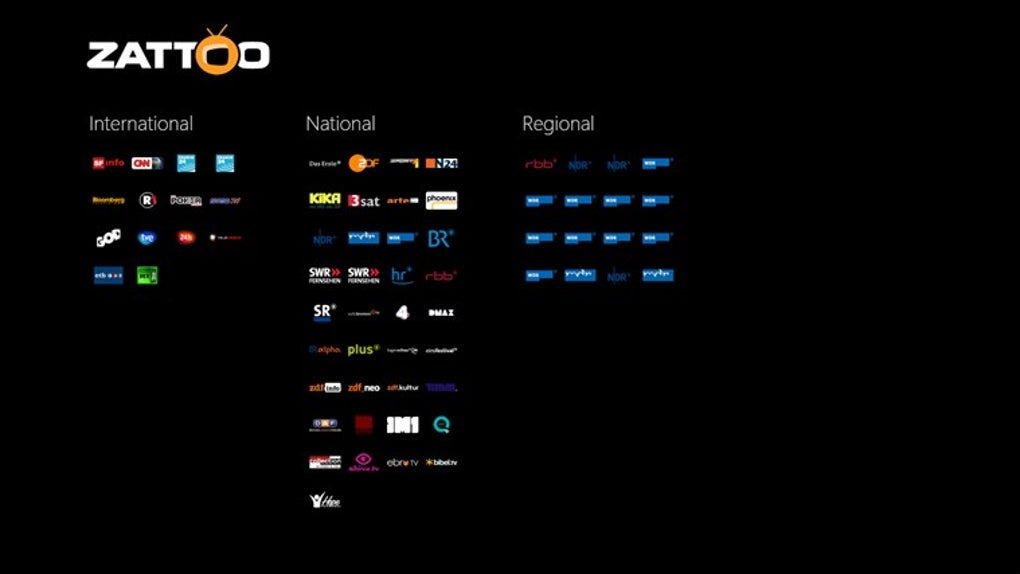
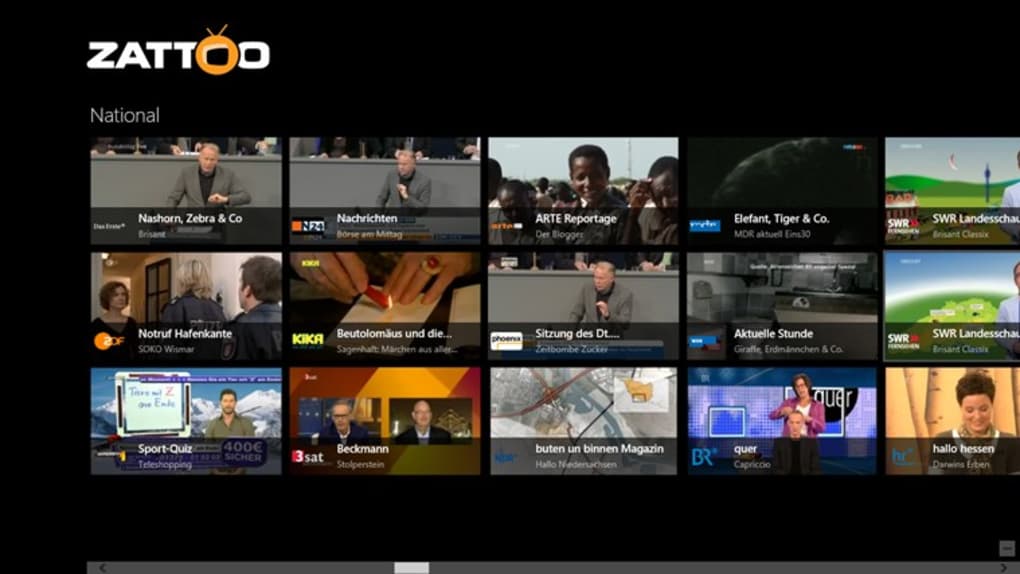
- Channel Discovery – Offers a channel guide or directory to help users locate and select desired programming.
Users can benefit from the ability to watch live broadcasts from different countries, which is especially useful for expatriates or those interested in global media. The software’s simplicity allows viewers to switch between channels quickly and view content without installing additional plugins or third-party tools.
User Interface, Workflow & Performance
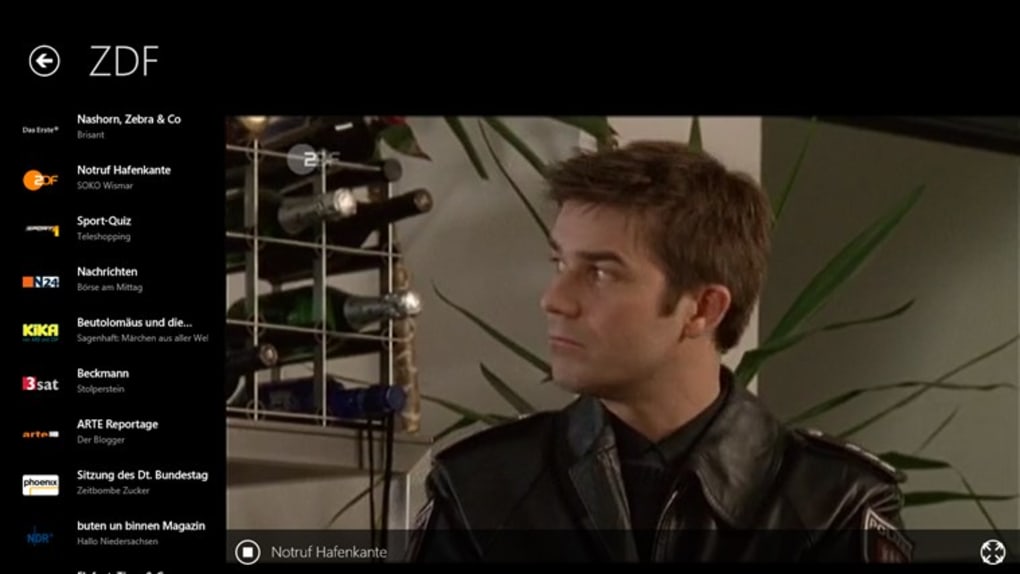
The user interface of Zattoo Live TV for Windows 10 is designed for ease of use, with a layout that prioritizes channel navigation and playback controls. The application likely features a channel list, a program guide, and a playback window, all arranged for intuitive access. Navigation appears to be straightforward, relying on mouse and keyboard inputs common to Windows applications.
Workflow efficiency is enhanced by the minimal setup required—users can begin streaming immediately after installation, with no complex configuration steps. The software operates as a client-side application, meaning it handles the streaming logic locally while relying on Zattoo’s servers for content delivery.
Performance observations are based on general software behavior patterns. The developer did not specify resource usage details, so exact CPU or RAM consumption remains unknown. Stability is presumed to be adequate given the software’s long-standing presence in the market. However, users on older systems may experience variable performance depending on internet speed and hardware capabilities.
Compatibility & System Requirements
Zattoo Live TV for Windows 10 is officially compatible with Windows 8 and earlier versions of the operating system. There is no official support for Windows 10 or newer versions, which may limit usability on modern PCs. The developer did not provide specific system requirements, including minimum processor speed, RAM, or disk space.
Exact system requirements were not listed. Installation size is currently unavailable. Users should ensure their system meets basic Windows compatibility standards and has a stable internet connection to stream content without interruption. The software supports multiple languages, including English, Spanish, and German, which enhances accessibility for international users.
Pros and Cons
Pros
- Free to use with no licensing fees
- Supports multiple languages for international accessibility
- Stream live TV directly from the desktop without external hardware
- Simple setup and intuitive interface for casual users
- Long-standing availability with consistent user interest
Cons
- No official support for Windows 10 or newer operating systems
- Version and update information are outdated (last updated 2013)
- No publicly available system requirements or file size details
- May not support modern streaming protocols or high-definition content
- Limited technical support or developer engagement
FAQ Section
Is Zattoo Live TV for Windows 10 compatible with Windows 10?
The software is officially designed for Windows 8 and earlier versions. There is no confirmed support for Windows 10 or newer systems, which may result in installation or functionality issues.
Is the software safe to download and use?
Zattoo Live TV for Windows 10 has been available since 2013 and has been downloaded over 14,000 times. While no security vulnerabilities have been reported in the provided data, users should ensure they download from trusted sources to avoid potential risks.
Does the software require an internet connection?
Yes, the software relies entirely on an internet connection to stream live TV content. It does not support offline viewing or local video playback from files.
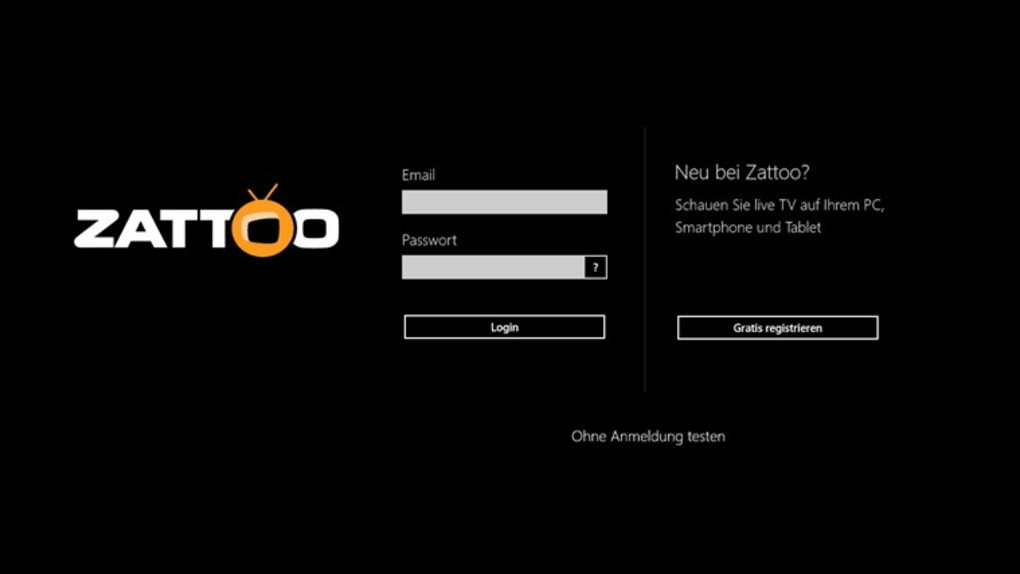
Can I use this software without creating an account?
Information about account requirements was not provided. The software may allow anonymous viewing, but user authentication details are not specified in the available documentation.
Is there a free version available?
Yes, Zattoo Live TV for Windows 10 is available as a free program with no trial period or paid upgrades. The software does not require a subscription or payment to access its core features.
Final Thoughts
Zattoo Live TV for Windows 10 remains a notable tool for users seeking a simple way to watch live television on older Windows systems. Its ability to deliver a broad selection of live channels without additional hardware makes it a practical choice for casual viewers, especially those interested in international programming.
However, the software’s age is a significant limitation. With no updates since 2013 and no compatibility with modern operating systems, its long-term viability is questionable. Users on Windows 10 or newer may face compatibility issues, and support for current streaming standards may be lacking.
For those still using Windows 8 or earlier and in need of a free, no-frills live TV solution, Zattoo Live TV offers a functional experience. Its multi-language support and straightforward interface continue to serve niche audiences, particularly in regions like Germany, Pakistan, and India.
Download Zattoo Live TV for Windows 10 now to access live broadcasts on your PC.
Guides & Tutorials for Zattoo Live TV
How to install Zattoo Live TV
- Click the Preview / Download button above.
- Once redirected, accept the terms and click Install.
- Wait for the Zattoo Live TV download to finish on your device.
How to use Zattoo Live TV
This software is primarily used for its core features described above. Open the app after installation to explore its capabilities.
User Reviews for Zattoo Live TV 0
No reviews found





